QGIS vs ArcGIS in 2026: Which GIS Software Should Beginners Learn?
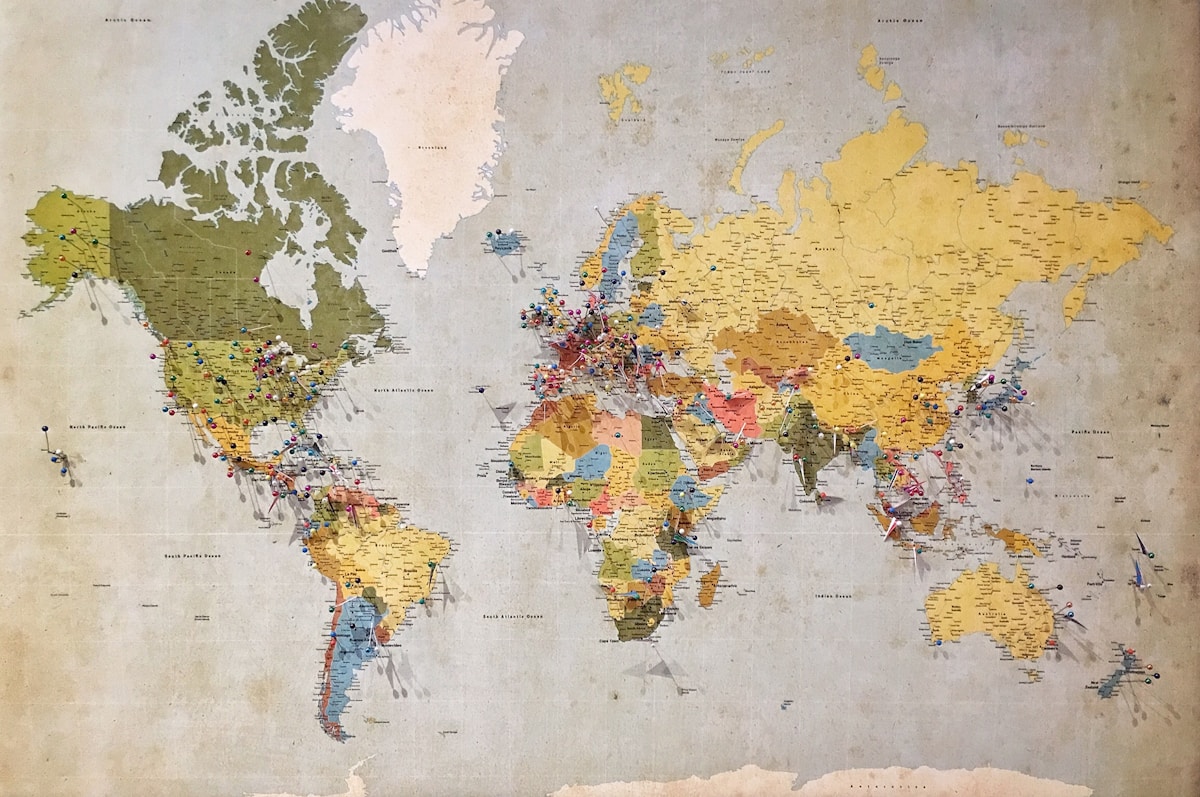
- Primary Signal: QGIS vs ArcGIS in 2026: Which GIS Software Should Beginners Learn?
- Overview: QGIS vs ArcGIS in 2026 compared: cost, features, learning curve and which GIS software beginners should learn first....
- Verification: Analyzed and compiled by FreeSky GeoData editorial monitoring desk.
QGIS and ArcGIS are the two leading desktop GIS platforms, and the choice between them shapes a beginner's whole GIS career. QGIS is free, open source, and covers 90% of what most users need, while ArcGIS Pro is the enterprise standard with polished workflows and deep integration. In 2026, the gap is narrower than ever, but the differences still matter. This comparison helps beginners choose.
Cost: The Decisive Difference
QGIS is free to download, install and use forever, with no licensing fees, no subscription, and no feature limitations based on payment. ArcGIS Pro licensing starts at approximately $100 a month for the Basic tier and can exceed $700 a month for the Advanced tier with all extensions. For a student, a freelancer, or a small team, the cost difference alone settles the choice: QGIS wins on cost by a distance that no feature can overcome.
Features: Where ArcGIS Leads
ArcGIS Pro leads in network analysis, geostatistical tools, and multi-user geodatabases, and it offers a more polished, consistent experience for enterprise work. Its 3D tools are stronger, with Gaussian splat layers for photorealistic detail in the 3.6 release, and its integration with ArcGIS Online makes publishing and collaboration seamless. QGIS matches 90% of core GIS needs for free, and its 1,000-plus plugins fill many gaps, but for advanced 3D and enterprise workflows, ArcGIS is ahead.
Learning Curve: Which Is Easier to Start
QGIS is easier to start with for basic mapping tasks, and most users become productive within days or weeks, helped by a wealth of free tutorials on YouTube and community forums. ArcGIS Pro offers a more polished experience once mastered, but its sheer number of features can overwhelm a beginner, and it takes longer to learn initially. Neither is easy, but QGIS has the lower barrier: install it, open a shapefile, and you are mapping within minutes.
What Is New in 2026
QGIS 3.44 is the current long-term release, adding a 3D Globe View for global-scale rendering with 3D Tiles and point clouds, while QGIS 4.0 arrived in February 2026 with a Qt6 migration. ArcGIS Pro 3.6 emphasises 3D with Gaussian splats and the Google Photorealistic 3D basemap for textured global terrain. Both platforms are advancing, and the choice is less about the latest feature than about the ecosystem you will work in.
Which Should You Learn First?
Learn QGIS first if you are a student, a freelancer, or building skills without an institutional budget: it is free, it teaches the concepts, and the skills transfer. Learn ArcGIS if your employer, university or client uses Esri, because the job market in government and large organisations still asks for it. The strongest path is to learn both: QGIS for practice and prototyping, ArcGIS for the workplace. Start with QGIS today, because it costs nothing to begin.
Learning GIS in 2026
The GIS industry is changing fast: cloud platforms, web maps, and AI-assisted analysis are becoming as important as desktop software. A beginner in 2026 should learn QGIS for desktop work, but also learn a web mapping tool, such as MapLibre or Leaflet, and a cloud platform, such as Google Earth Engine. The combination makes you employable, because employers want GIS skills that cover the full workflow, from data to web map. The desktop software is the foundation, but the web and cloud skills are the future, and the beginner who learns both is the one who gets hired.
Key Takeaways
- QGIS is free forever; ArcGIS Pro starts around $100 a month - QGIS covers 90% of core GIS needs; ArcGIS leads in 3D and enterprise tools - QGIS is easier to start; ArcGIS takes longer but is more polished - Learn both if you can: QGIS for practice, ArcGIS for the workplace
Frequently Asked Questions
Should beginners learn QGIS or ArcGIS? Start with QGIS: it is free, easier to learn, and teaches the same concepts. Learn ArcGIS as well if your employer or university uses Esri, because the job market still asks for it.
QGIS is the free foundation and ArcGIS is the enterprise standard. Learn QGIS first, add ArcGIS when the job demands it, and the skills transfer both ways.
More from FreeSky GeoData