Supervised Classification for Land Cover Mapping in QGIS: A Beginner Workflow
- Primary Signal: Supervised Classification for Land Cover Mapping in QGIS: A Beginner Workflow
- Overview: Supervised classification turns satellite imagery into a land cover map by learning from examples you label. Here is a complete beginner workflow using the SCP plugin....
- Verification: Analyzed and compiled by FreeSky GeoData editorial monitoring desk.
A satellite image records the colour of every pixel, but it does not label what those pixels are. Supervised classification bridges that gap: you show the software examples of each class, such as water, forest, cropland, urban, and bare soil, by drawing training polygons over known locations, and the algorithm learns the spectral signature of each class, then assigns every other pixel to the class it most resembles. The quality of your training data matters more than the choice of algorithm, because the classifier can only learn what you show it.
The free Semi-Automatic Classification Plugin, or SCP, brings this workflow into QGIS with support for Landsat, Sentinel-2, and other sensors, including tools for downloading imagery, creating training data, and assessing accuracy. Installing it from the QGIS plugin manager takes a minute, and its documentation includes worked examples that pair well with this guide. Start with a cloud-free Sentinel-2 or Landsat scene and a clear, limited set of classes.
Create a training input file in SCP, then digitise polygons for each class over locations you can verify, using a basemap, aerial imagery, or field knowledge. Aim for at least ten polygons per class spread across the scene, and include the natural variation within each class, such as both dense and sparse forest, so the classifier learns the full range rather than one ideal example. Then run the classification, choosing Maximum Likelihood for a reliable classic algorithm or Random Forest through SCP's options for a more robust modern alternative, and inspect the result against your basemap.
Accuracy assessment is not optional. Hold back some known locations that were not used for training, compare the classified map against them, and build a confusion matrix showing which classes were confused with each other. Overall accuracy above 85 percent is a reasonable target for a simple land-cover map, but a high overall figure can hide a badly mapped rare class, so check per-class accuracy too. If two classes confuse each other consistently, such as cropland and grassland, consider merging them or adding a distinguishing band.
Once accuracy is acceptable, clean the result with a majority filter to remove isolated speckled pixels, convert the raster to polygons if you need vector areas, and calculate the area of each class for your report. Style the map with a conventional land-cover palette, blue for water, greens for vegetation, greys for urban, and add a legend, scale bar, and a note of the imagery date and accuracy figure, because a land-cover map without its date is easy to misuse.
Land-cover maps feed real decisions, from tracking deforestation to planning urban growth, and a transparent, well-documented classification is far more valuable than a pretty map with unknown accuracy. Keep your training data and settings with the project so anyone can reproduce or update the map when new imagery arrives, and you have a product you can defend.
A valuable follow-up is to repeat the classification for a second year using the same classes and training approach, then compare the two maps to estimate change, such as forest loss or urban expansion. Change analysis demands consistency: use imagery from the same season, the same sensor family where possible, and the same class definitions, or seasonal and sensor differences will masquerade as real change. Report change as a table of areas gained and lost per class alongside the maps, and flag any change smaller than your accuracy margin as uncertain rather than certain. Done carefully, a two-date classification becomes evidence for environmental reporting, and done carelessly it becomes a misleading headline, so the discipline of consistency is the real skill here.
📖 Continue Reading the Full Story
Continue reading this article on FreeSky GeoData.
⚡ Access Full Content NowMore from FreeSky GeoData



 ⚡ CyberTech 568
How to Write Better Prompts for AI Image Generation: A Beginner's Guide
Good AI images start with specific prompts. Learn to describe subject, style, lighting and composition so the ...
 🛰️ FreeSky Aerial
How to Shoot a Drone Hyperlapse: A Beginner's Step-by-Step Guide
A hyperlapse turns a slow drone flight into a spectacular rushing video. Pick a subject with a clear path, use...
 🔭 FreeSky Cosmos
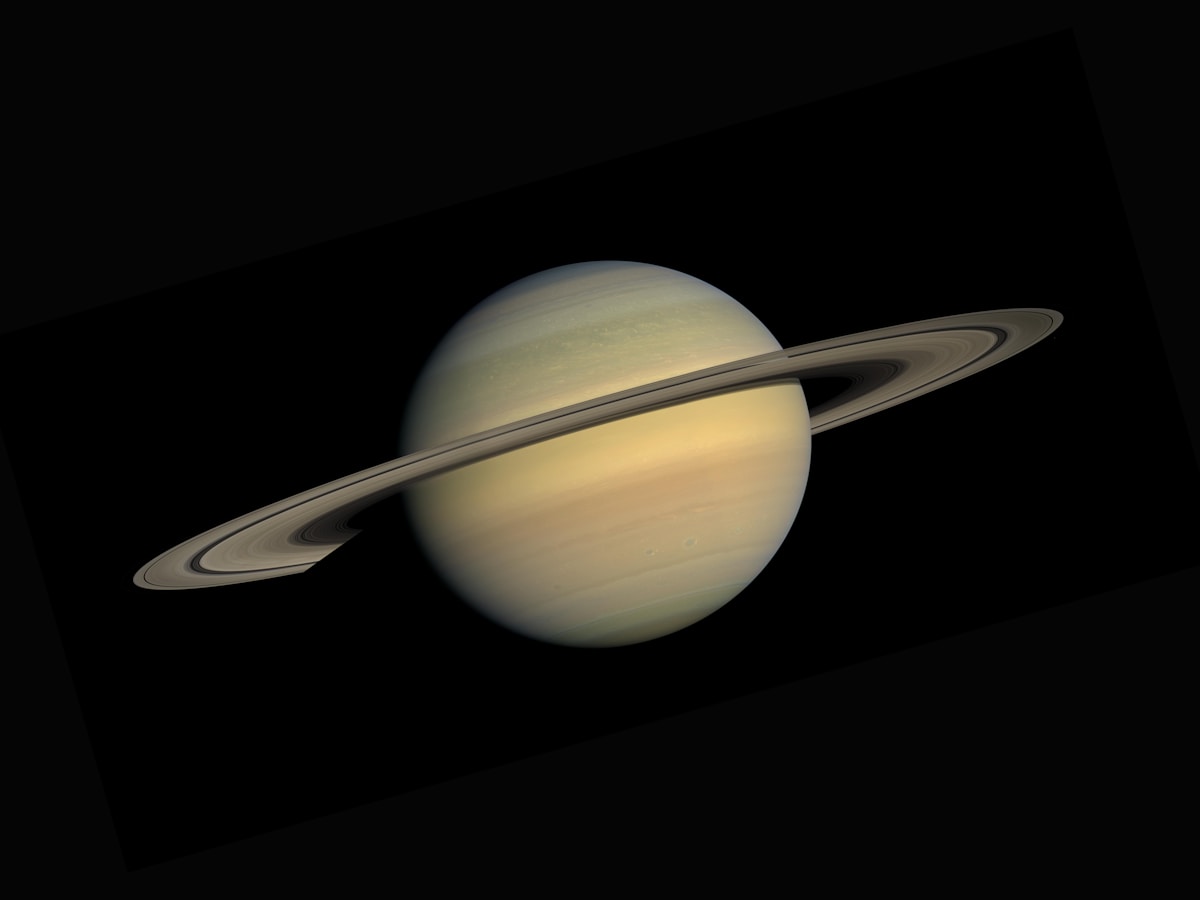
How to See Saturn's Rings With Binoculars: A Practical Beginner's Guide
Saturn's rings are visible in ordinary 10x50 binoculars if you know what to look for and hold them steady. Thi...
 🌍 FreeSky Remote
Is a Cover Letter Necessary for Remote Job Applications in 2026?
Most remote applications in 2026 do not require a cover letter — but the few situations where one matters can ...