How to Create Elevation Contours From a Drone DEM in QGIS
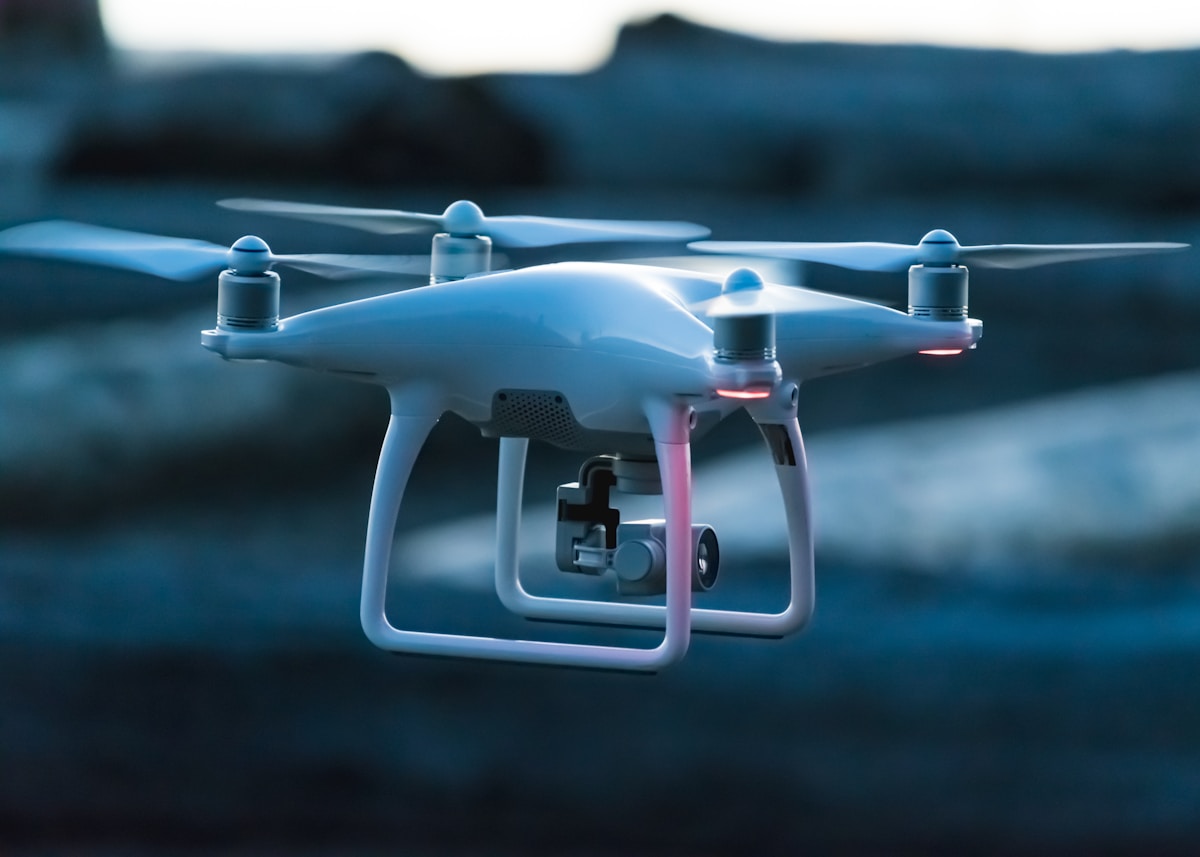
- Primary Signal: How to Create Elevation Contours From a Drone DEM in QGIS
- Overview: Turn a drone elevation model into readable contour lines in QGIS. Learn how to prepare the DEM, choose the right interval, style index contours, and check accuracy....
- Verification: Analyzed and compiled by FreeSky GeoData editorial monitoring desk.
Elevation contours are one of the most useful products you can derive from a drone survey, turning a flat surface model into a readable map of hills, valleys, and slopes.
Start with a clean digital elevation model. Check for spikes, holes, or edge artifacts, and clip the model to your area of interest. Note whether your model is a surface model, which includes buildings and trees, or a terrain model of bare ground.
Generate contours with the Contour tool in the Processing Toolbox. The key setting is the contour interval: a small interval shows fine detail but crowds steep ground, while a large interval reads cleanly but hides subtle terrain.
Style and label for readability. Make index contours thicker and darker, keep intermediate contours thin and light, and label the index contours with their elevation values.
Contours are more useful alongside slope and hillshade. From the same elevation model, QGIS can derive both, and layering a subtle hillshade beneath your contours makes the terrain instantly readable.
Before sharing the map, check accuracy against known heights or survey points, and note the source and date of the elevation model. State the accuracy honestly on your deliverable.
For a finished map, export your contours and hillshade into a print layout. QGIS print layouts let you combine the contour layer, a hillshade, a scale bar, a north arrow, and a title into a professional map sheet, and you can save the layout as a template for future surveys. Store the contour layer in a GeoPackage alongside the elevation model and orthophoto, so the whole project travels as a small set of files with consistent names and dates. A tidy project folder is part of the deliverable: the next person who opens it should be able to tell what was flown, when, and how the contours were made.
📖 Continue Reading the Full Story
Continue reading this article on FreeSky GeoData.
⚡ Access Full Content NowMore from FreeSky GeoData


 ⚡ CyberTech 568
10 Free AI Tools That Save Freelancers 10 Hours a Week
Ten genuinely free AI tools for writing, design, and admin — build them into your workflow and reclaim roughly...
 🤖 WinBar AI
How to Spot Sharp Money Movement in Betting Odds Before the Line Settles
Sharp money is professional cash moving odds before the public catches on. Here is how to read reverse line mo...
 ☁️ FreeSky Cloud
VPS Backup Automation Guide: Set It Once and Stop Worrying
A practical, step-by-step guide to vps-backup-automation-guide, with the common mistakes to avoid and a reusab...
🛰️ FreeSky Aerial
How to Carry Medications on International Flights: 2026 Rules
Flying with medication in 2026? This guide covers carry-on rules, the 100 ml exemption for liquid medicines, l...