What Is GIS and How Does It Work for Beginners?
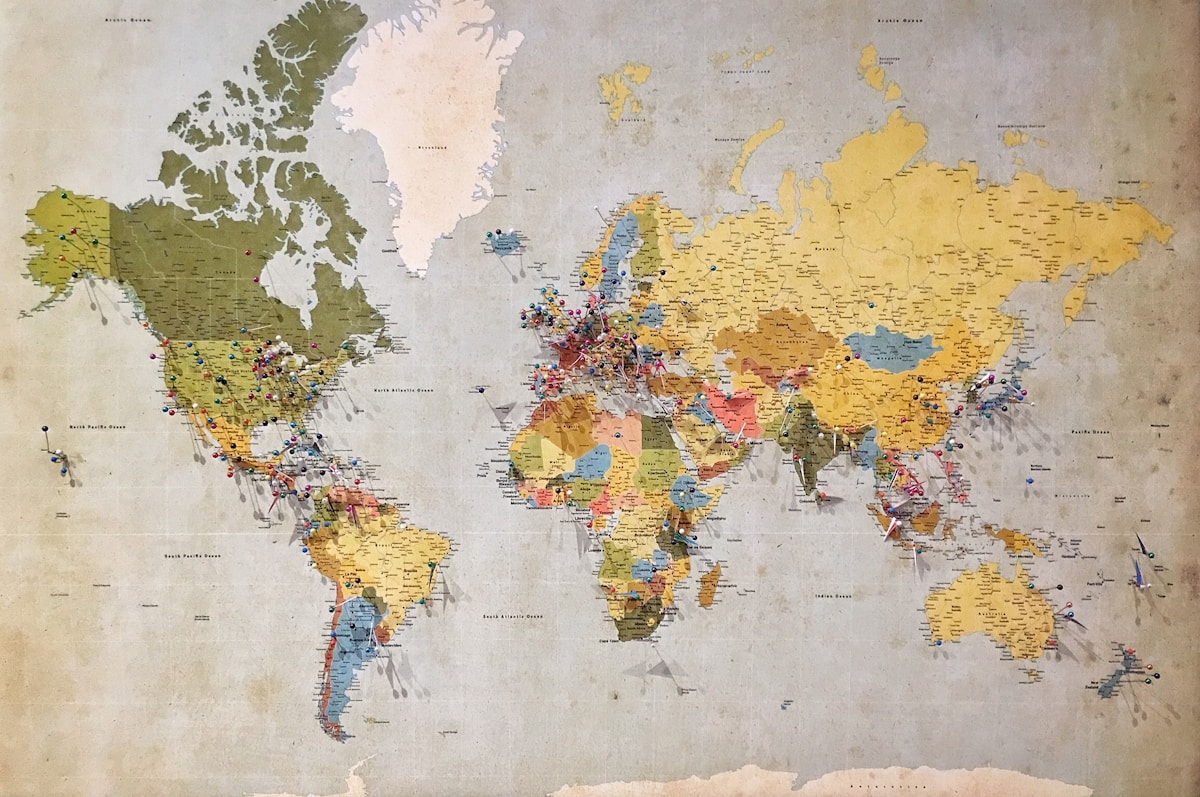
- Primary Signal: What Is GIS and How Does It Work for Beginners?
- Overview: GIS, a Geographic Information System, is software that links data to locations and analyses it in map layers. It answers questions a spreadsheet cannot, such as what is near a plac...
- Verification: Analyzed and compiled by FreeSky GeoData editorial monitoring desk.
A Geographic Information System, or GIS, is a computer system that captures, stores, analyses, and displays data tied to a location. It turns rows in a table into layers on a map, so patterns tied to place become visible.
The top-ranking guides define GIS well, but they leave three gaps. First, they rarely walk through one complete analysis from question to answer. Second, they blur GIS with GPS, which are different tools. Third, they seldom say what a beginner should open first. This guide closes all three.
GIS is not GPS. GPS tells you where something is right now, using satellite signals. GIS takes locations from GPS, satellites, surveys, and tables, then analyses them together. GPS is a positioning tool. GIS is an analysis and mapping system that can use GPS data as one input among many.
The two data types every beginner must know are vector and raster. Vector data uses points, lines, and polygons: a shop is a point, a road is a line, and a park boundary is a polygon. Raster data is a grid of cells, each holding one value, and it suits continuous surfaces such as elevation, temperature, or satellite imagery.
A GIS works in layers. Each layer holds one theme: roads on one layer, rivers on another, shop locations on a third. Stacked together, the layers describe one place from several angles. Analysis then asks questions across layers, instead of reading one flat map.
Worked example — finding shops near a new bus stop. Draw a 500-metre buffer, a circle, around the proposed stop. Its area is 3.1416 x 0.5 x 0.5 = 0.785 square kilometres, since 500 metres is 0.5 kilometres. Now count the shop points inside that circle. If your town has 1,200 shops and 480 fall inside the buffer, then 480 / 1,200 x 100 = 40% of shops sit within 500 metres of the stop. That single percentage, produced by overlaying two layers, is the kind of answer a spreadsheet alone cannot give.
The standard beginner workflow has five steps. First, state one location question. Second, gather clean data for it, such as a shop list and a road map. Third, put both layers in the same coordinate system, or they will not line up. Fourth, run one analysis, such as a buffer or an overlay. Fifth, check the result against reality before acting on it, because a wrong coordinate or a stale dataset produces a confident-looking wrong map.
What to open first. QGIS is a free, open-source GIS application that covers the full workflow above, and it is the usual starting point for beginners who do not have a paid licence. Start with one question, two layers, and one analysis, and add complexity only after that first map checks out.
Bottom line: GIS links what something is to where it is, then analyses the layers together. Learn vector and raster, run one buffer or overlay, and verify the result — that is the whole craft in miniature.
Q: What is the difference between GIS and GPS?
A: GPS finds a current position from satellites. GIS analyses many location datasets together, and GPS positions are just one possible input.
Q: What are vector and raster data?
A: Vector data uses points, lines, and polygons for distinct features. Raster data uses a grid of cells, each with one value, for continuous surfaces like elevation.
Q: What is a buffer in GIS?
A: A buffer is a zone drawn at a set distance around a feature, such as a 500-metre circle around a bus stop, used to count or measure what falls inside it.
Q: Which GIS software should a beginner start with?
A: QGIS, a free open-source application that covers capturing, analysing, and mapping location data without a paid licence.
📖 Continue Reading the Full Story
Continue reading this article on FreeSky GeoData.
⚡ Access Full Content NowMore from FreeSky GeoData



 ⚡ CyberTech 568
Internet Latency Test: How Fast Is Your Connection?
Test your internet latency free. Get accurate ping measurements and learn what your numbers mean for gaming an...
 🤖 WinBar AI
Decision-Making Framework: GST Calculator — Add or Extract GST & VAT (Day 28 Guide)
How data from our GST Calculator — Add or Extract GST & VAT on WinBar AI. Discover essential eliminates bias, ...
 ☁️ FreeSky Cloud
Comparative Review: Freelancer Net Pay Calculator (PKR) — Upwork, Fiverr & Payoneer Fees (Day 11 Guide)
Why our free online Freelancer Net Pay Calculator (PKR) — Upwork, Fiverr & Payoneer Fees on FreeSky Cloud. Dis...
🛰️ FreeSky Aerial
Troubleshooting Guide: Freelancer Net Pay Calculator (PKR) — Upwork, Fiverr & Payoneer Fees (Day 12 Guide)
Diagnosing hidden issues using the Freelancer Net Pay Calculator (PKR) — Upwork, Fiverr & Payoneer Fees on Fre...