How to Georeference Old Scanned Maps in QGIS: Bringing Paper Maps Into Your GIS
- Primary Signal: How to Georeference Old Scanned Maps in QGIS: Bringing Paper Maps Into Your GIS
- Overview: Old paper maps become usable GIS layers when you pin them to known coordinates with control points — here's the QGIS workflow....
- Verification: Analyzed and compiled by FreeSky GeoData editorial monitoring desk.
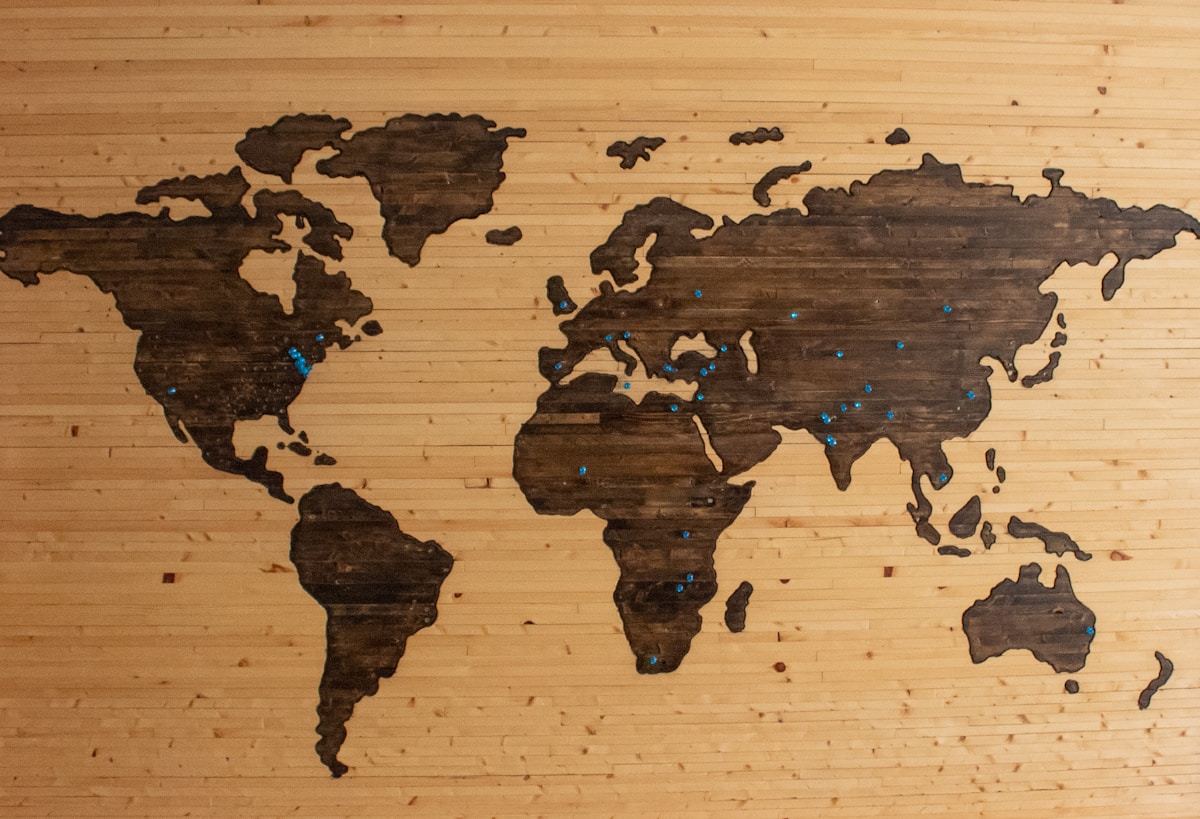
Archives, libraries, and family collections hold maps that predate digital mapping by decades, and georeferencing is the process that makes those paper maps usable inside a GIS. In QGIS, you load a scanned image, mark points on it whose real-world coordinates you know, and let the software warp the image onto the map, so the old streets, boundaries, and coastlines line up with modern data. Done well, the result lets you compare past and present landscapes directly, tracking urban growth, river changes, or vanished settlements in a way no written description can match.
Start with the best scan you can get: flat, high-resolution, and free of folds or shadows, since every wrinkle in the paper becomes an error in the final map. If the map has a printed grid, a graticule, or a coordinate frame, those marks are ideal control points, because their coordinates are printed on the map itself. Otherwise, choose stable features that still exist today and can be located precisely on a modern basemap: road intersections, church corners, bridge ends, and prominent bends in rivers or coastlines, avoiding features that have moved, like riverbanks or shorelines.
Spread your control points across the whole map, especially near the corners and edges, because the warping math interpolates between your points and extrapolates poorly beyond them. A dozen well-spread points will beat thirty points clustered in one corner, and points near the edges matter most for keeping the borders honest. Record each point carefully as you go, and note any feature you are unsure about, since a single wrong point can distort the whole result and is easier to catch while you still remember your reasoning.
In QGIS's Georeferencer, add your points by clicking a feature on the scan and then clicking the same feature on the reference map, entering coordinates where you know them directly. Choose a transformation type to suit the map: a simple Helmert or polynomial transformation suits most flat, well-behaved maps, while a thin plate spline can force a warped or damaged sheet to fit but may distort areas between points. Start simple, check the residuals, the reported error for each point, and only move to a more flexible method if the simple one leaves obvious misalignments.
Residuals tell you the truth about your work: a point with a residual far larger than the rest is probably misidentified, and removing or correcting it usually improves everything else. After warping, overlay the result on a modern basemap and inspect familiar features at several zoom levels, looking for roads that drift, rivers that jump, and labels that sit over the wrong place. Accept that old maps have their own survey errors, so a perfect fit is impossible and a residual of a few metres on a century-old map is often a good result, not a failure.
Once the map aligns, save it as a GeoTIFF with its coordinate information embedded, and keep the control-point file alongside it, so the work is reproducible and its accuracy can be judged later. Use the old map for comparison and storytelling, for tracing former field boundaries, lost roads, or the growth of a town, but be cautious about legal or engineering conclusions drawn from it, since its original survey may not meet modern standards. Cite the map's date, publisher, and the transformation you used, so readers know exactly what they are looking at.
The most rewarding use is often the simplest: swipe between the old map and a modern satellite image and watch a landscape change across a century. That comparison turns an archive curiosity into evidence, whether you are a local historian, a planner, or a student learning how places evolve. Georeferencing takes an afternoon to learn and repays the effort every time an old map stops being a picture on a wall and starts being data you can measure.
📖 Continue Reading the Full Story
Continue reading this article on FreeSky GeoData.
⚡ Access Full Content NowMore from FreeSky GeoData



 ⚡ CyberTech 568
Step-by-Step Tutorial: Playback Speed Calculator — Video Time at Any Speed (Day 2 Guide)
How to accurately use the Playback Speed Calculator — Video Time at Any Speed on CyberTech 568. Discover essen...
 🤖 WinBar AI
Instagram Photo Downloader: Save Posts in Full Resolution
Download Instagram photos in original quality. Save posts, carousel images, and profile pictures free....
 🏆 WorldCup2026 Cities
Monterrey World Cup 2026 Guide: Altitude, Heat and the Mountain Stadium
Estadio BBVA sits beneath the Sierra Madre in Mexico's hottest host city: how to handle heat and altitude, and...
 ☁️ FreeSky Cloud
ROI & Value Audit: GST Calculator — Add or Extract GST & VAT (Day 15 Guide)
How to save time and eliminate guesswork with GST Calculator — Add or Extract GST & VAT on FreeSky Cloud. Disc...